Tuesday, November 25, 2014

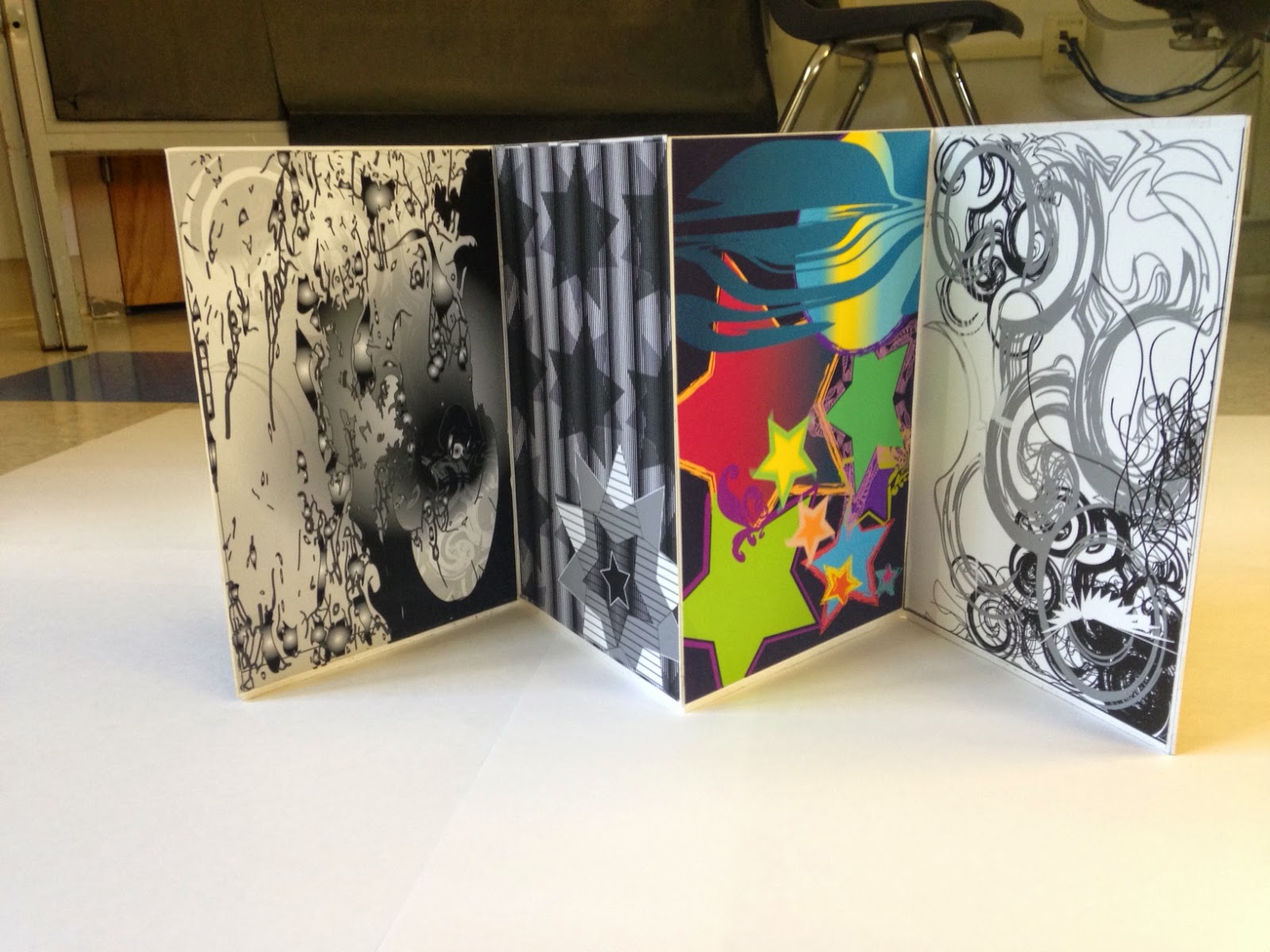
Juxtapose Project (folding pattern)

This is the folding pattern for my juxtapose project.
This is how my test fold came out
This is a map of what I plan on doing with this folding design. The theme of my project is internal conflict.

Tuesday, November 18, 2014

5 Component Photoshop Picture


This is an image that I composed of five other images.(the desolate looking landscape, the werewolf, the moon "it's really just a picture of an eye with the earth in the middle", the clouds, and the raven.) The tree is a part of the landscape layer, but I selected its branches and used the mask over the clouds to reveal certain branches; blending the tree into the picture nicely. The werewolf has a contrast/brightness adjustment layer over it that I used to create shading. The "moon" has an invert adjustment mask over it. I used the mask over the clouds to hide and reveal parts of the "moon" as well. The raven has a black and red gradient in it to create the illusion of moonlight.
The picture below shows my layer pallet. The layer pallet shows the layers themselves, as well as what i used to put effects on different layers.

Wednesday, November 5, 2014

Fire Department Patch Design

This is a patch I have designed for the Bungay Fire Brigage. It was requested that our class include the name of the department (Bungay Fire Brigade), the number of the station (77), the town where it is located (Woodstock Connecticut), and the Brigade's slogan (neighbors helping neighbors.)
I used a shovel shaped border for the patch. The patch mainly consists of a red, blue, and yellow color theme, or in other words: the patch uses primary colors. I used these colors because it draws the eyes to the main component of the patch which is the maltese cross with an eagle head in the center ring. Behind the eagle head is an american flag design. These images are symbolic of bravery and service to our country. The maltese cross is surrounded by a two point white line to bring it out from the dark red background.

Friday, October 17, 2014

So I recreated the D.C. logo through Art Illustrator. I was pretty proud of myself because it came out pretty much identical! Can you tell the difference?


 The logo on the bottom left is the one I made. The logo at the top right is the original.

I also recreated the MSN logo using pathfinder and the anchor point tool in Adobe Art Illustrator. The logo on the bottom right is the one I made.
I created this image of the WWF panda using mostly the pen tool. I am pretty happy with the results. It isn't perfect but it's pretty close. The panda that I've recreated is the bigger logo at the top right. The original logo is at the bottom left.

Here are 20 logos, used by different companies, I have found on www.goodlogos.com